Chamber Perk$
The Only App in Penticton & Wine Country Where You Can Shop Local and Save


Benefits
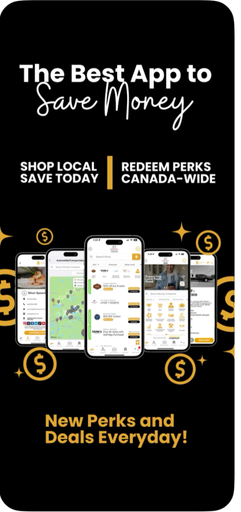
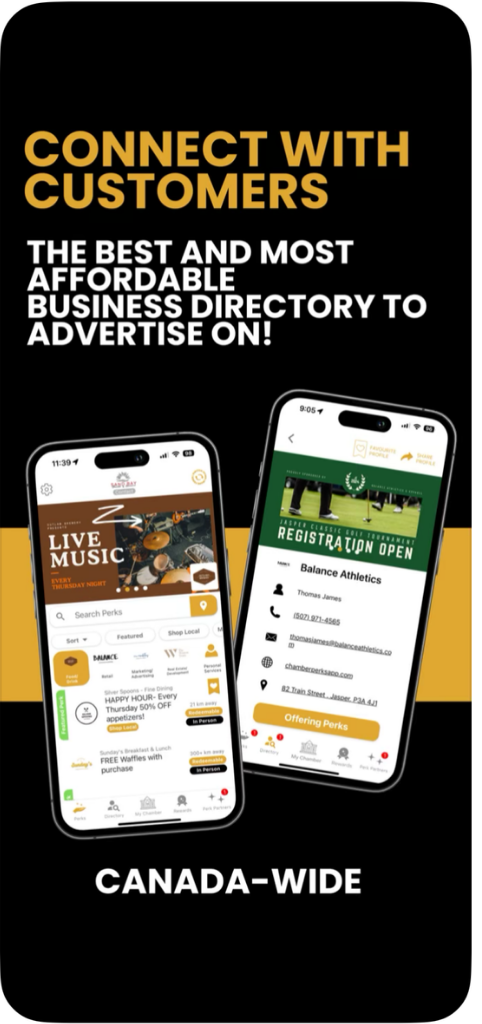
Enjoy exclusive savings and capitalize on Canadians wanting to support local with the Chamber Perks App. Get valuable discounts from Chamber Members nationwide and strengthen your community with every purchase. Whether you’re at home or travelling, you can redeem perks, stay connected through the business directory, and keep up with news, events, and updates. Business owners, employees, consumers, and communities all benefit from this one-stop local shop.
Chamber Members and Employees:
- Upload Perks for free anytime and select your channel: M2M, B2B or D2C (Member-to-Member, Business-to-Business, or Direct-to-Consumer) to drive more sales.
- Encourage your employees to download the App and take advantage of fantastic local deals and discounts, and even set up private employee perks.
- Advertise your brand on the App through a variety of options and price-points to keep your organization top-of-mind with potential customers.
Penticton & Wine Country Residents and Visitors:
- Chamber Perks now gives you the opportunity to Shop Local and Save.
- Studies show that for every $100 you spend locally, approximately $60 stays in our community, compared to less than $20 when ordering online. Your local spending supports jobs, sponsorships, and growth.
Step 1 - Everyone

Download the Chamber Perks App™ and
Sign up for a User Account.
- To download, search “Chamber Perks” in Apple's App Store / Google Play or Scan the QR code to head straight to the app pages.
- Create your personal account (name & email). It is recommended that you use your work email to create a user account and password.
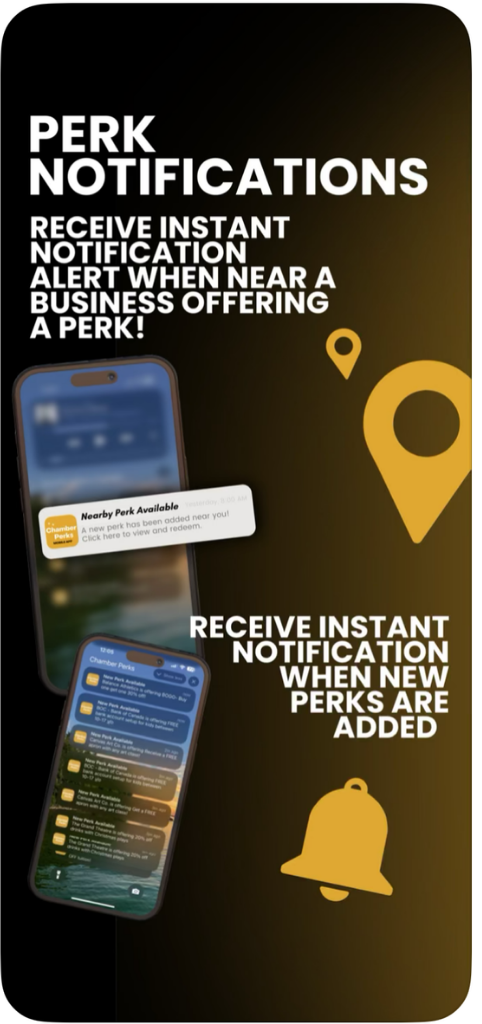
- Turn on notifications to get nearby deals and member‑only perks.
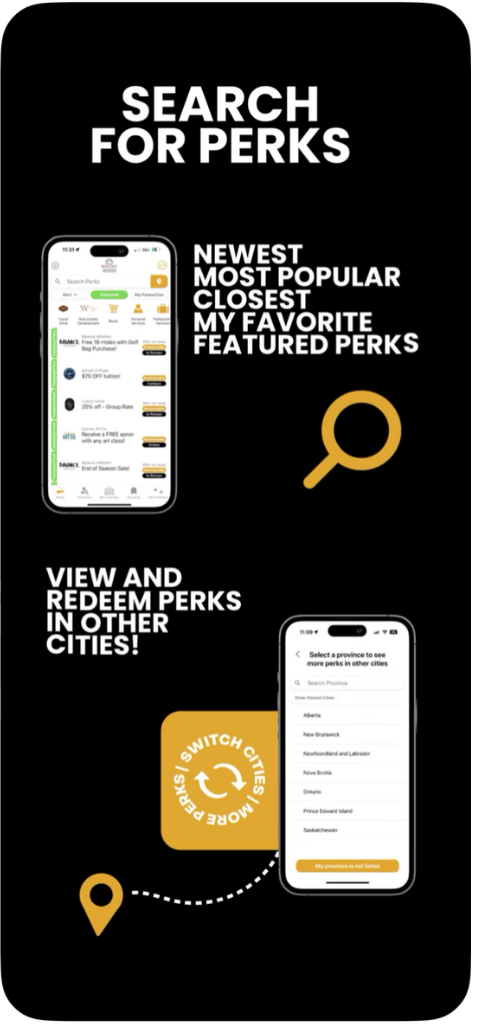
- Browse & redeem: Filter by city or category; tap a perk to view details and redeem in‑store or online.
Step 2 - For Chamber Members
Activate Your Business by Accessing your Member Dashboard
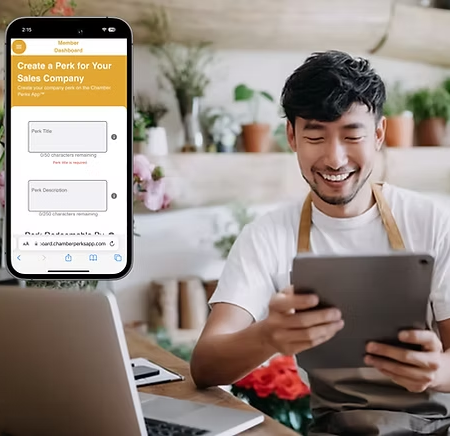
If you're a Chamber Member, and now have the App, you will need to login with your Member Credentials from us, to view your Member Dashboard.
One company = One primary “Company Admin” login (sent to the primary email contact in our Chamber CRM). Other staff can be added.
- On your phone, go to your app's settings (top left wheel icon), tap on "Open Dashboard" to access the Member Dashboard.
- Here you will be asked for your Username and Password provided to you by the Chamber. THIS IS NOT THE SAME THING AS THE ACCOUNT YOU CREATED WHEN YOU DOWNLOADED THE APP. Check your inbox for your Company Admin email (Can't find it? See Troubleshooting below.)
- Once you have logged in, you will be asked to create a new password. - Recommended to use the same one as your personal to keep things easy peasy.
- View and Update your preloaded profile and double check that the information is correct, as well as your logo, hours, categories, website, socials, phone, location, links and any other information.
You are also able to access your Member Dashboard on a desktop by visiting: desktop.chamberperksapp.com
You can then share your Member Dashboard Credentials with appropriate staff. Security requests to change passwords will only be emailed to the username email.
Step 3 - For Chamber Members
Create a Perk
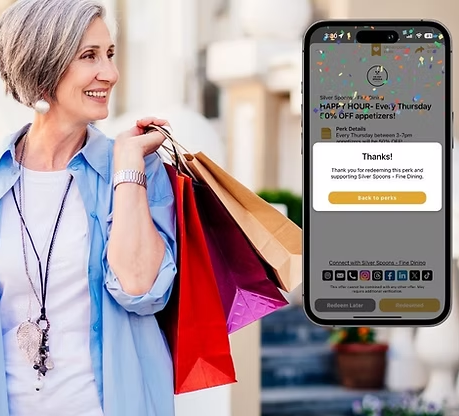
- Creating your first Perk shouldn’t take more than 2–3 minutes*:
- Make the title clear & specific + description including what’s included / excluded;
- Ensure valid dates, days and times;
- Redemption method, show phone, code, or link;
- Audience who will it be for? Everyone? Or Chamber Members only?
* Want ideas? Check out other chambers across the country to see what they are doing, or use the Chamber AI Perk Builder created by netDNA AI Consulting/Automation.
You can also fill out Our Form and we will add it to the app for you!
2. Set your preferences:
- Notifications for perk redemptions & messages;
- Add Team Members (optional): give staff manager or editor access.
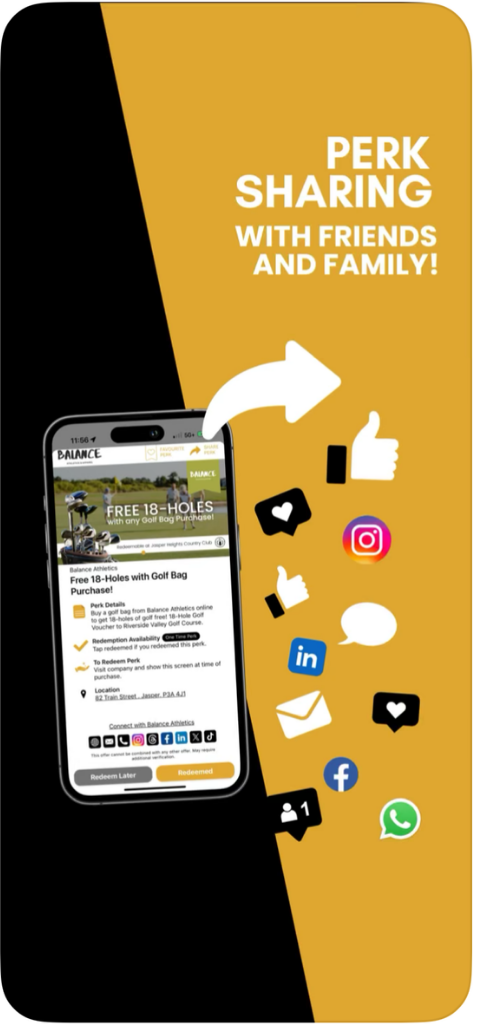
3. Publish and share your perk link on socials, bio, and cross promote with a QR Code in-store or share to your email list.
- Make it irresistible: 10–20% off, BOGO, bundles, or free add‑on;
- Use urgency: date ranges (e.g., “Winter Special: Nov 15–Jan 30”);
- Refresh often: update every 30–60 days; seasonal = higher engagement;
- Track results: watch views, saves, and redemptions;
- Make changes as often as you like.
Step 4 - Advertise your Company on the App!
And Make Your Business Top-of-Mind
Featured Member:
$300/year + GST
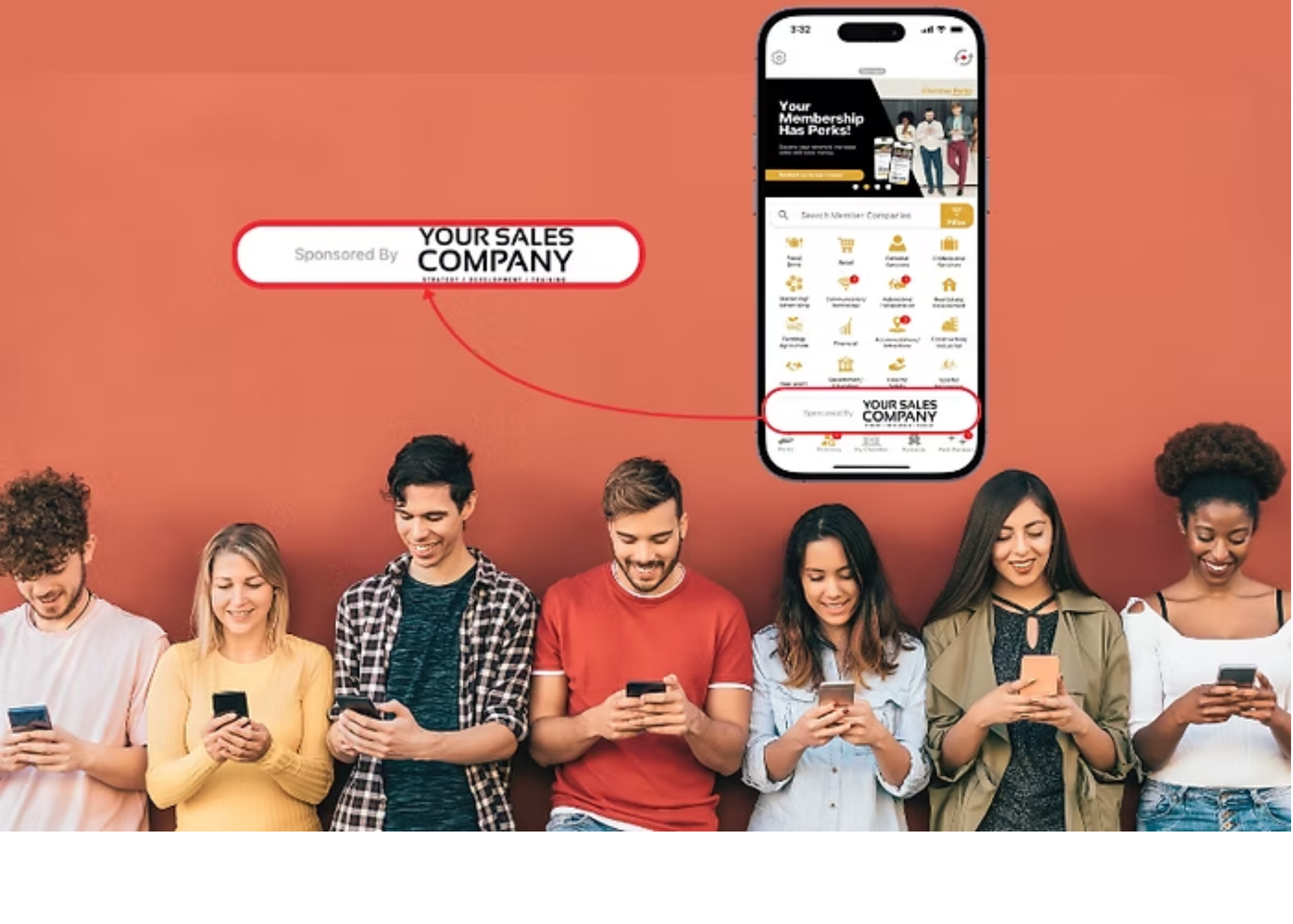
By purchasing this upgraded feature, businesses can showcase up to 4 interchangeable images and/or video banners to enhance their company profile and brand message. Add perks, and receive up to 4 additional interchangeable images and/or video banners for each perk up to a maximum of 5 perks, maximizing visibility and marketing impact.
Exclusive Category Banners:
$100/month + GST
Businesses that secure a category banner get 4 exclusive, interchangeable image or video banners featured as the sole banner within that directory category. This exclusive placement guarantees your business rules its category, delivering a powerful and consistent presence every time users explore that section.
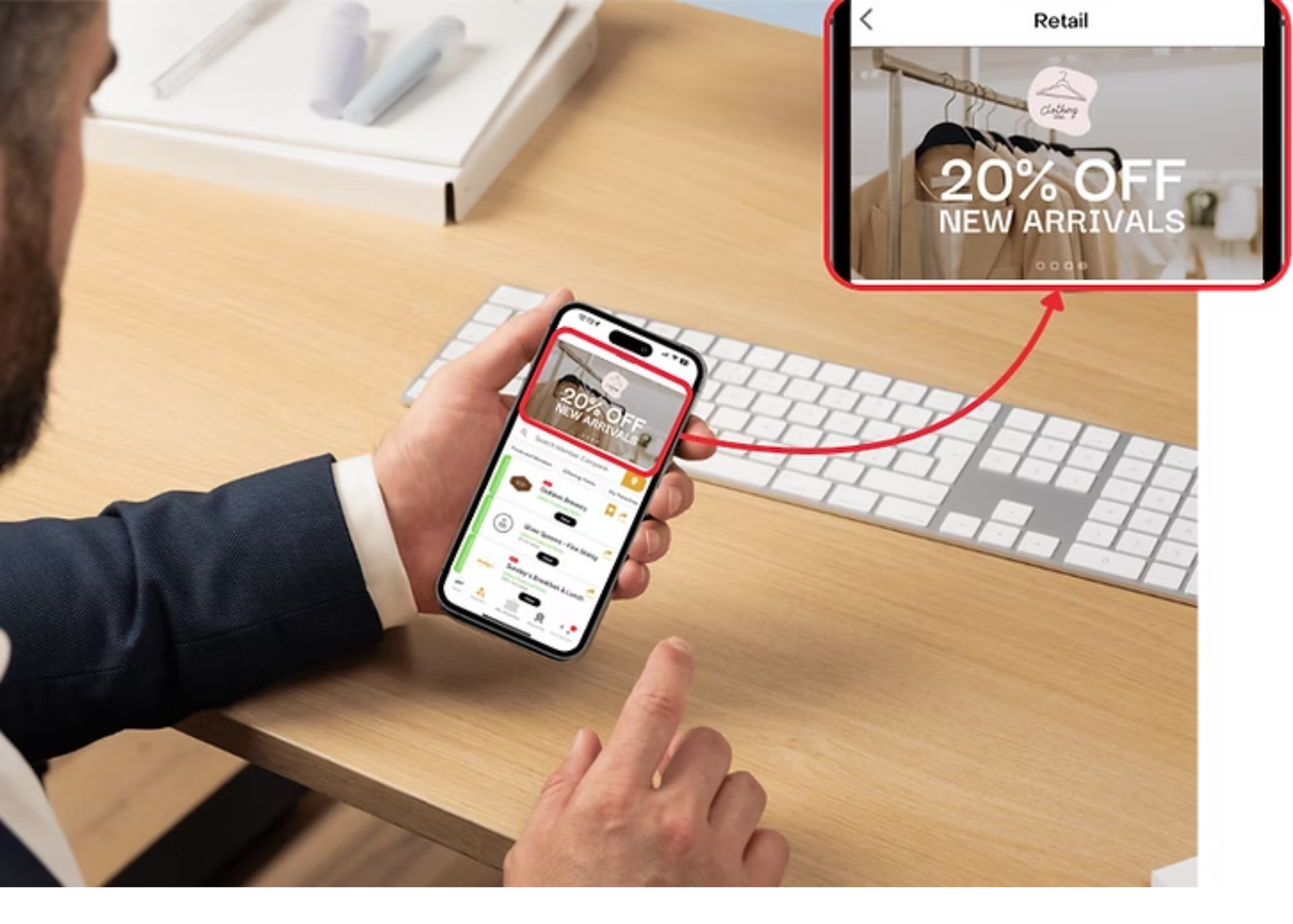
Exclusive Title Sponsorship:
$2,400/year + GST
Only one Sponsorship is available, with your logo appearing on the bottom of the main directory page and each Member's dashboard. Your logo is enabled to click to your website or social media channels, and your business will be recognized as the presenting sponsor in all promo material & advertisements. Additionally, this package also includes the benefits of a Featured Member.
Perk Partners™ Portal:
$100/year + GST
The Perk Partner™ Portal increases visibility on the Chamber Perks App™ by guiding users to a dedicated partner website portal where affinity programs and exclusive offers can be showcased and redeemed. Affinity partner offers are showcased separately from member perks, and the app tracks views for each partner’s unique offers, providing chambers and partners with clear performance insights.
Ready to Share the App?
Feel free to use any of the images on our Marketing Tools Page.
Build Loyalty
New Customers
Connections
Measurable Impact
Have Questions about the Perks App?
Troubleshooting & FAQ's
Q: I didn’t receive the Company Admin email.
A: Check spam/junk mail for a “Welcome to the Chamber Perks App - New Member Benefit!” email, otherwise contact the Chamber office to confirm who your primary contact is. We can resend or update the primary.
Q: Can multiple people log in for our business?
A: Yes. Keep one Company Admin and add teammates as managers/editors under Team Members for security.
Q: Can I change our perk any time?
A: Yes, edit or pause perks instantly. Changes go live right away.
Q: Is the app only local?
A: It’s national. Perks appear across Canada, which is great for travel and cross‑promotion.
Q: What does it cost?
A: The app is free for Chamber members. Paid ad placements are also available!
Still haven't answered your question? Book a 10‑min setup call using the form below, we’ll be happy to walk you through it!